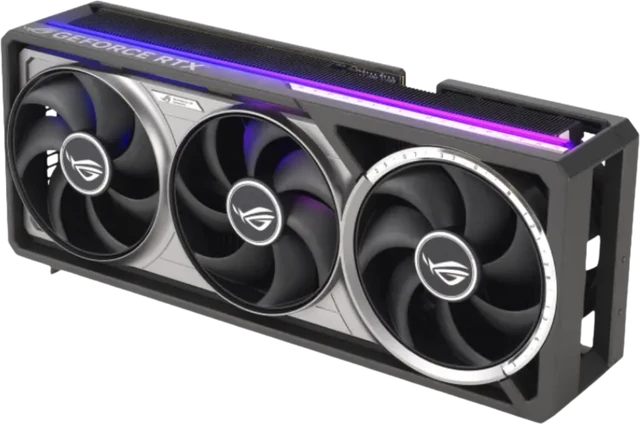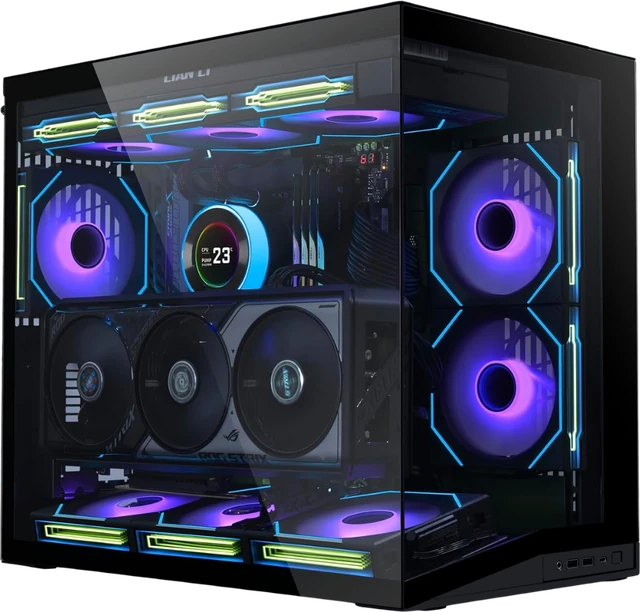
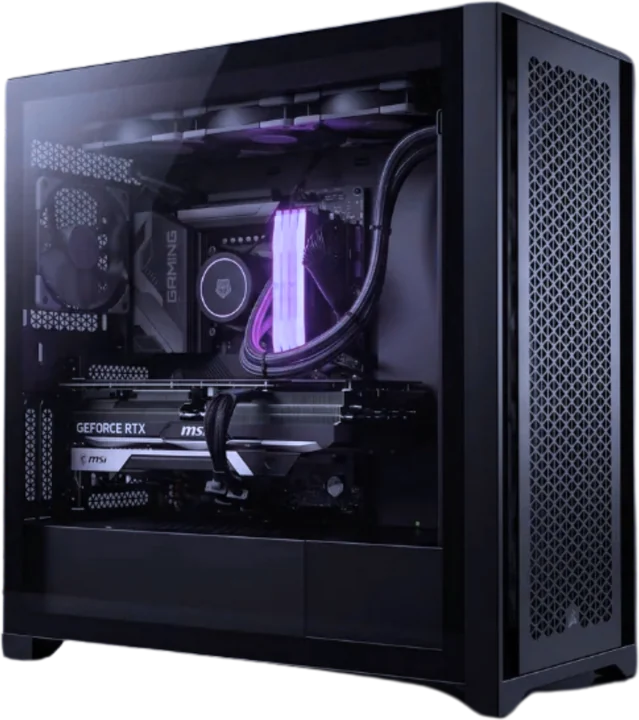
Colour, noise reduction and effects run on the GPU. VRAM decides how heavy your node tree can get.
Recommended for · Multimedia Content Creation
Edit
in real time.
Workstations for editing, colour, motion and 3D. We size the CPU, GPU, VRAM and storage around the software you actually run, so timelines play back smoothly.
Recommended starting point
Loading today’s prices…
01Workflow firstSpecs chosen for Premiere Pro, DaVinci Resolve, After Effects and Blender, not a spec sheet.
02Fast scratch storageNVMe layouts that keep cache, media and exports off each other’s toes.
03Ready to workOS and drivers installed with every build (Windows licence sold separately).
04Quiet under loadAcoustic tuning so renders don’t sound like a jet engine.
Pick your class
Sized to
your timeline.
Starting points, not limits. Every part can be changed in the configurator or during consultation.
Your software
What each app
leans on.
We spec around the tools you open every day. Tell us yours during consultation.
Fast single-core speed for the interface, hardware decoding for H.264/HEVC playback.
Mostly single-core with RAM preview, so 64GB keeps longer comps in memory.
Cycles renders on the GPU with OptiX or HIP. More VRAM means bigger scenes.
Snappy brushes and quick catalogue browsing come from clock speed and NVMe.
Shader compiles love cores; the viewport loves a strong GPU.
Where it goes
How the budget
is spent.
Where it will live
Built for
your room.
We ask where the PC will sit before we pick a single part. The same build behaves very differently in an AC room and a warm, dusty one.
The ideal home. We tune fan curves for silence, because the cooling has headroom to spare.
Karachi summers push ambient past 35°C. We size coolers and airflow for the hottest week, not the average one.
Positive pressure and filtered intakes keep dust out of the heatsinks, so temperatures don’t creep up month after month.
Trapped heat is the silent killer. We pick a case and fan layout that exhausts hot air, or tell you honestly to move it.
A quality PSU with headroom, plus a UPS on request, sized to your build, so load-shedding never corrupts a save or a render.
Built for
What it’s
made to run.
- 4K / 8K editing and colour grading
- Motion graphics and compositing
- 3D modelling and rendering
- Photography and design
The Starship standard
- 01ConsultYour software, budget, and the room the PC will live in: AC, dust, closed space.
- 02SpecParts chosen for your workload, not padded to fill a spec sheet.
- 03QC PASSStress testing sized to the workload (3 to 24 hours), thermal tuning and a PC Health Report.
- 04Deliver & supportDelivery across Pakistan, warranty through local distributors, ongoing help.
Every build
What you
get with it.
PC Health Report
Temperatures, clocks and component checks, documented and handed over with your PC.
Benchmarked
Real results in the games and software you told us you use, not a generic score.
Stress-tested
24 hours of CPU, GPU and memory load for rendering stability. It only ships with a QC PASS seal.
Clean cable management
Routed for airflow and looks, and easy to work on later.
Brand warranty
Through official local distributors. The period varies by brand, and we tell you each one.
Cinematic showcase
Every client build gets its own build film on our channel.
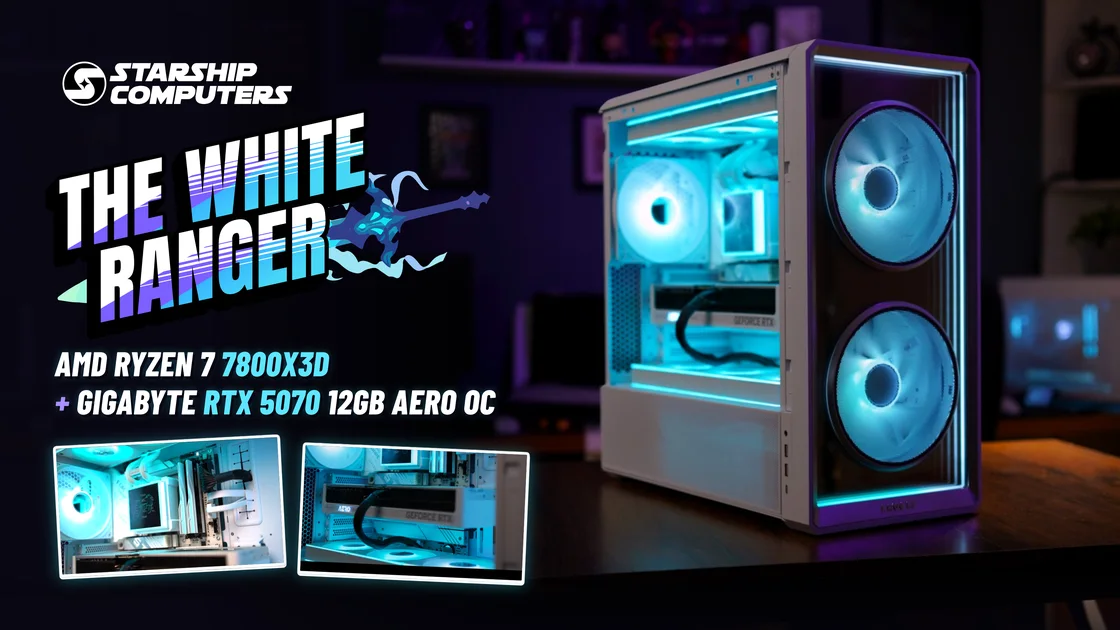 5:43
From the hangar
The White Ranger
- CPU
- Ryzen 7 7800X3D
- GPU
- RTX 5070 12GB Aero OC
A real client build, consulted, specced, stress-tested and filmed by our team.
All build films →Questions
Asked
often.
Should I pick NVIDIA or AMD for editing?
For Premiere, Blender and most plugins, NVIDIA’s CUDA and encoders are still the safest choice. Resolve runs well on both. Tell us your software and we’ll pick the right one.
How should storage be set up?
We usually split it: a fast NVMe for the system and apps, a second NVMe for cache and active projects, and larger drives or a NAS for archives.
Will it be loud during renders?
Not if it’s built properly. We tune fan curves so long exports stay at a steady, low hum.
Do you install Windows and drivers?
Yes. Every build ships with the OS and drivers installed. The Windows licence is purchased separately.
Other solutions
Explore
more.
Max FPS GamingHand-built gaming rigs engineered for 4K and ultra-high refresh rates.→AI Development & Local LLMsVRAM-first systems for running and fine-tuning models locally.→Network Attached StorageAlways-on storage for homes, studios and offices: shared drives, media libraries and redundant backups.→
Ready when you are
Tell us what
you run.
Your games or software, your budget and the room the PC will live in. We’ll come back with a build that fits all three.